Selected work
Onetap
In developmentSay it, and it's logged.
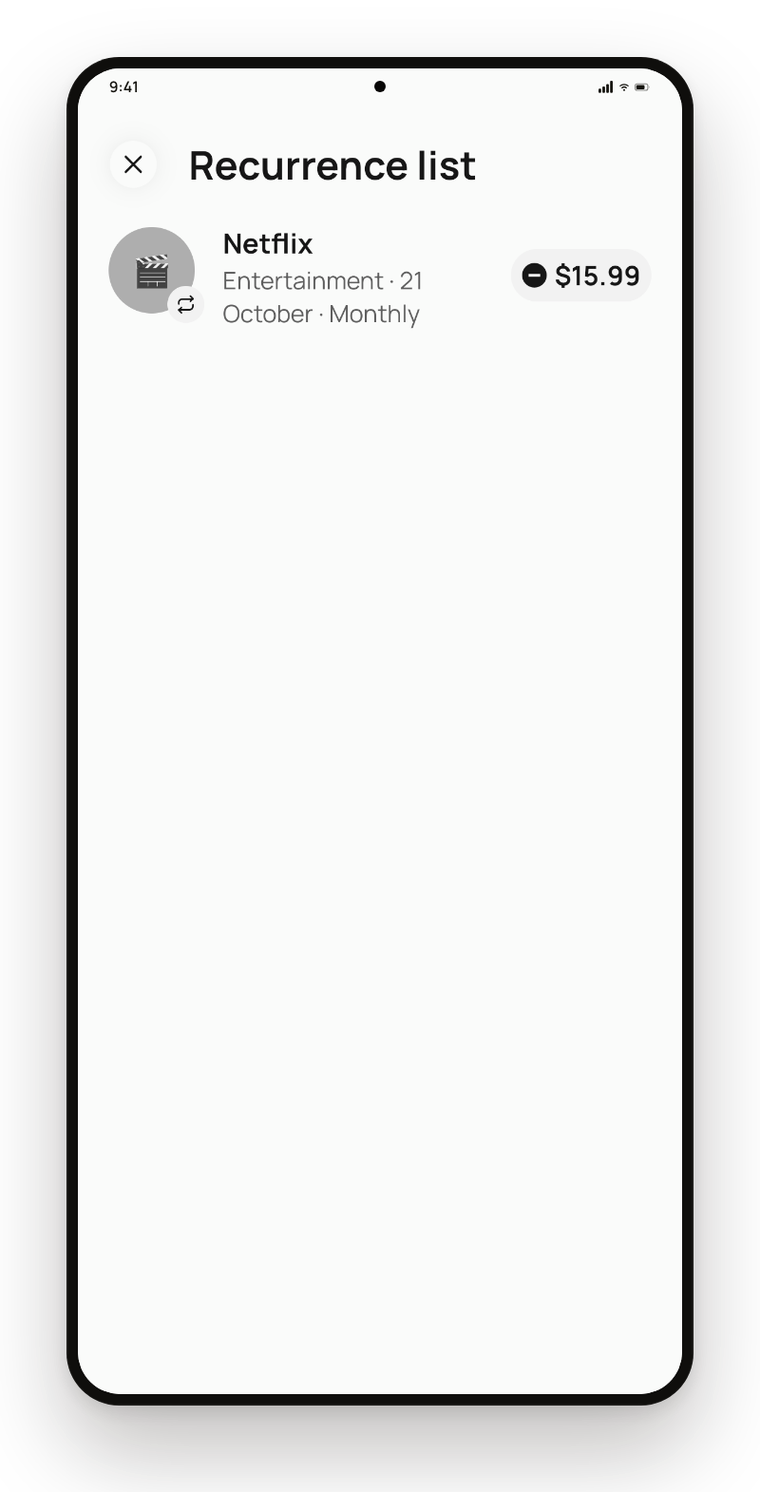
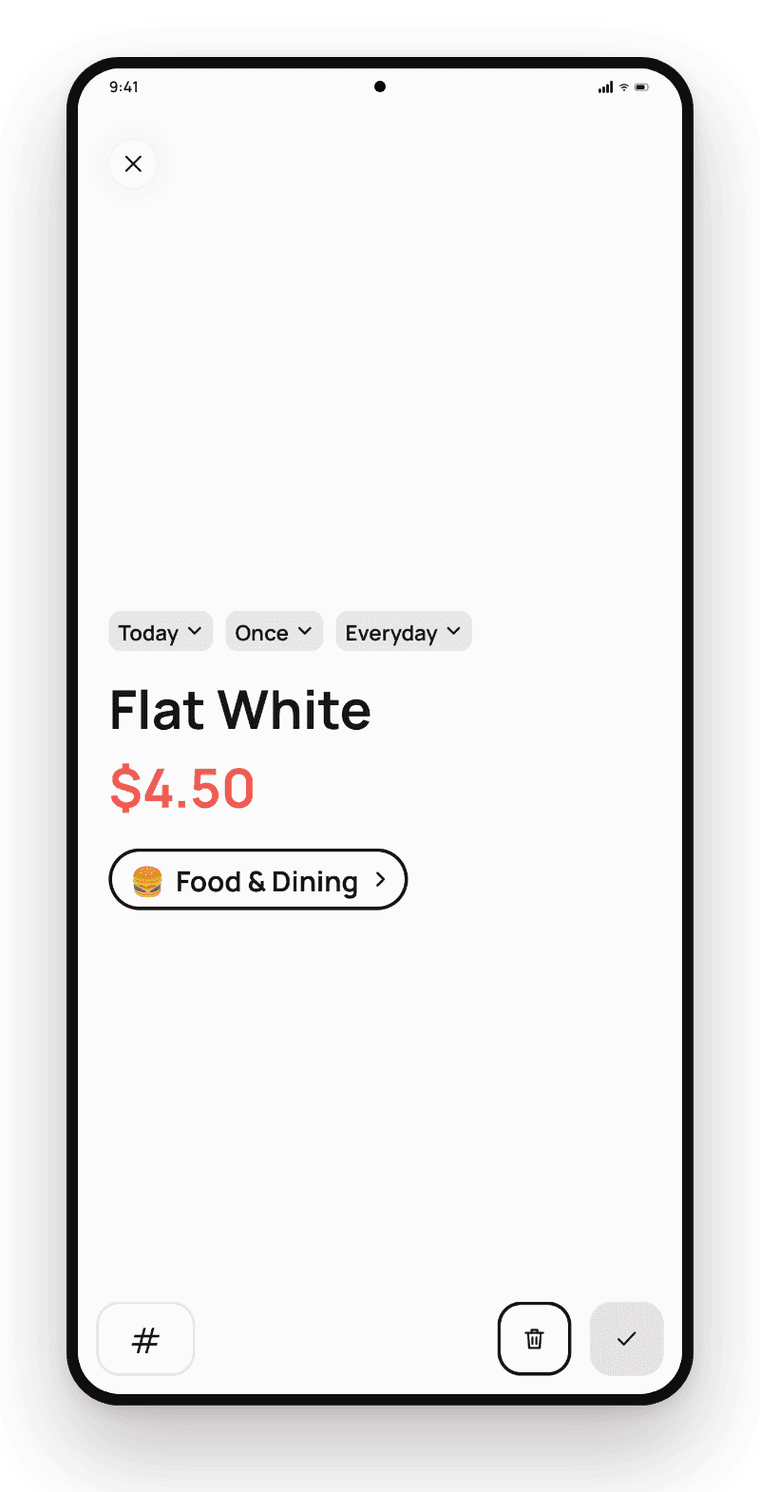
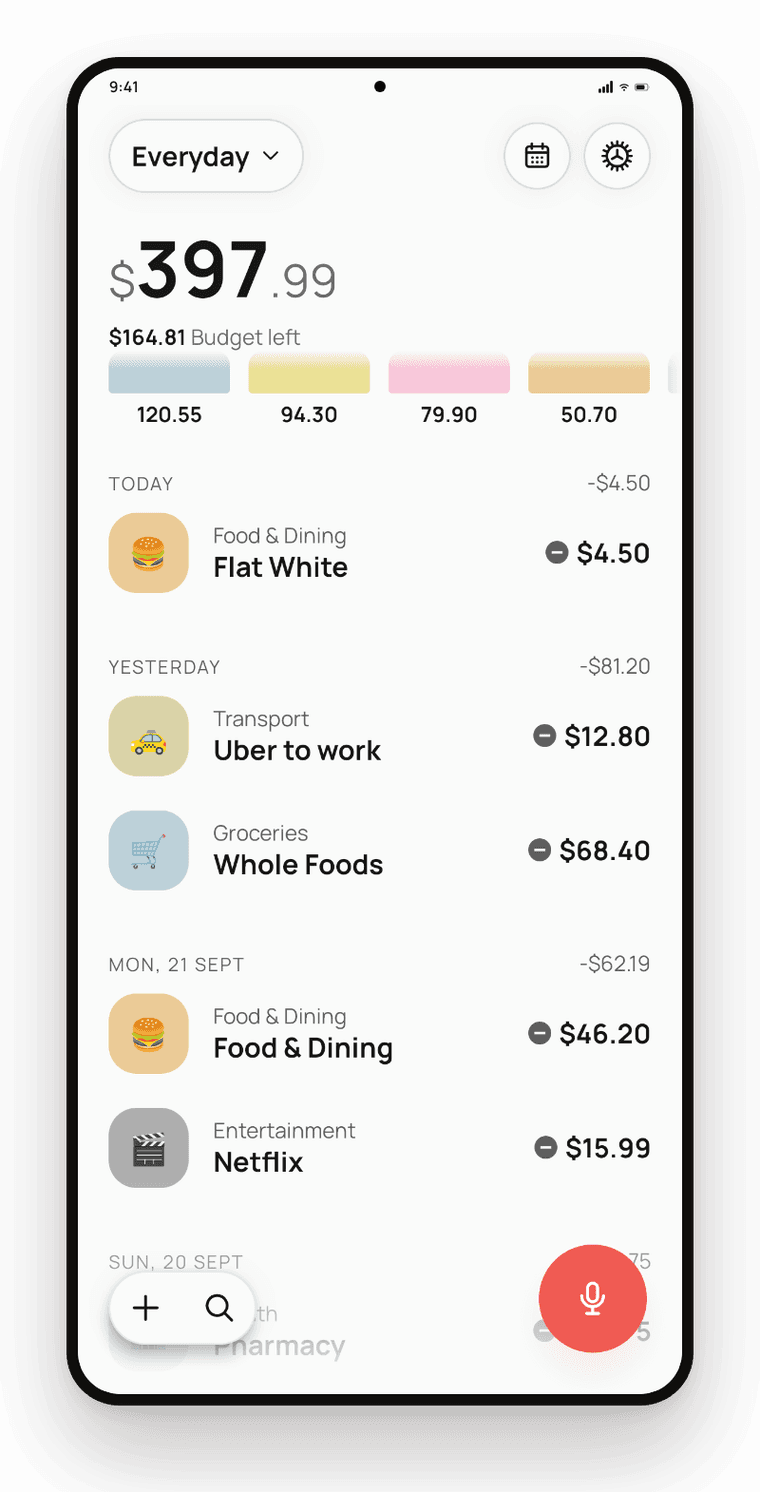
An AI-powered finance assistant for Android: speak a sentence, or let a bank's payment alert come in, and it becomes a categorised transaction.
The problem
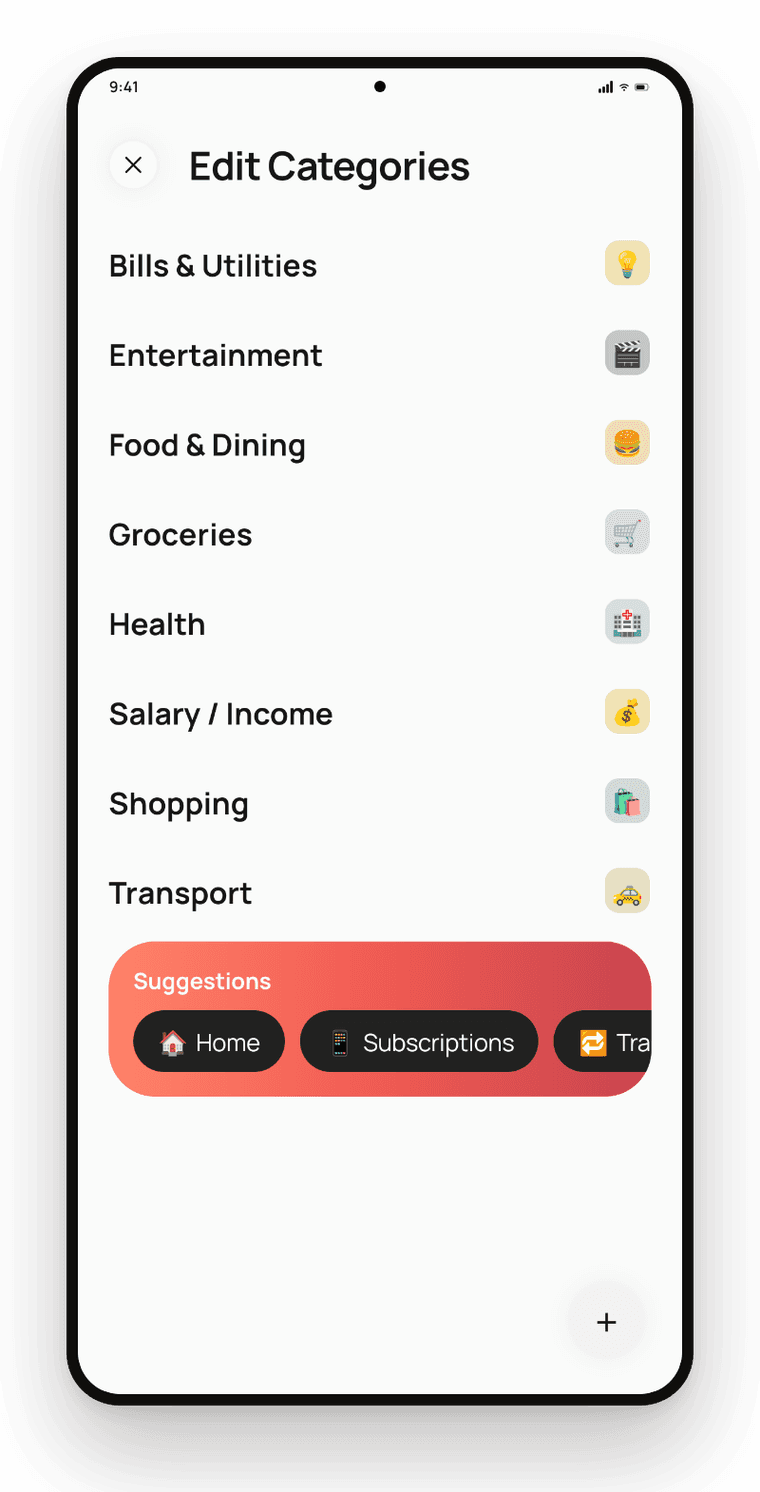
Expense tracking fails at data entry — typing every purchase into a form, and bank alerts that get swiped away and never logged. Onetap turns natural language and payment notifications into structured transactions, so logging mostly happens by itself.
My role
Sole developer — product, Android development and AI integration.
What it does
- Voice capture — say what you spent and the description, amount and category come back filled in
- Paste, share or type natural-language text instead of filling a form
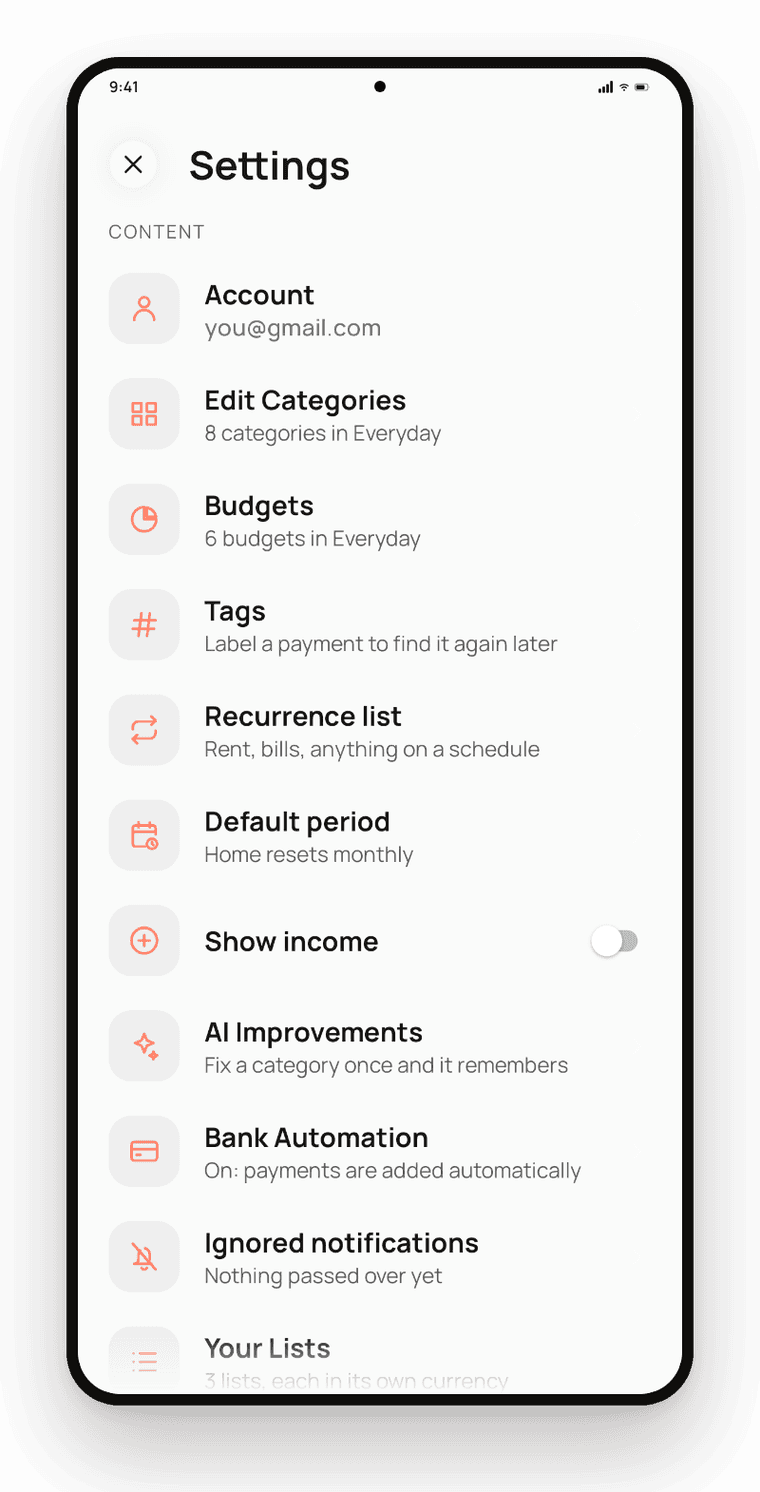
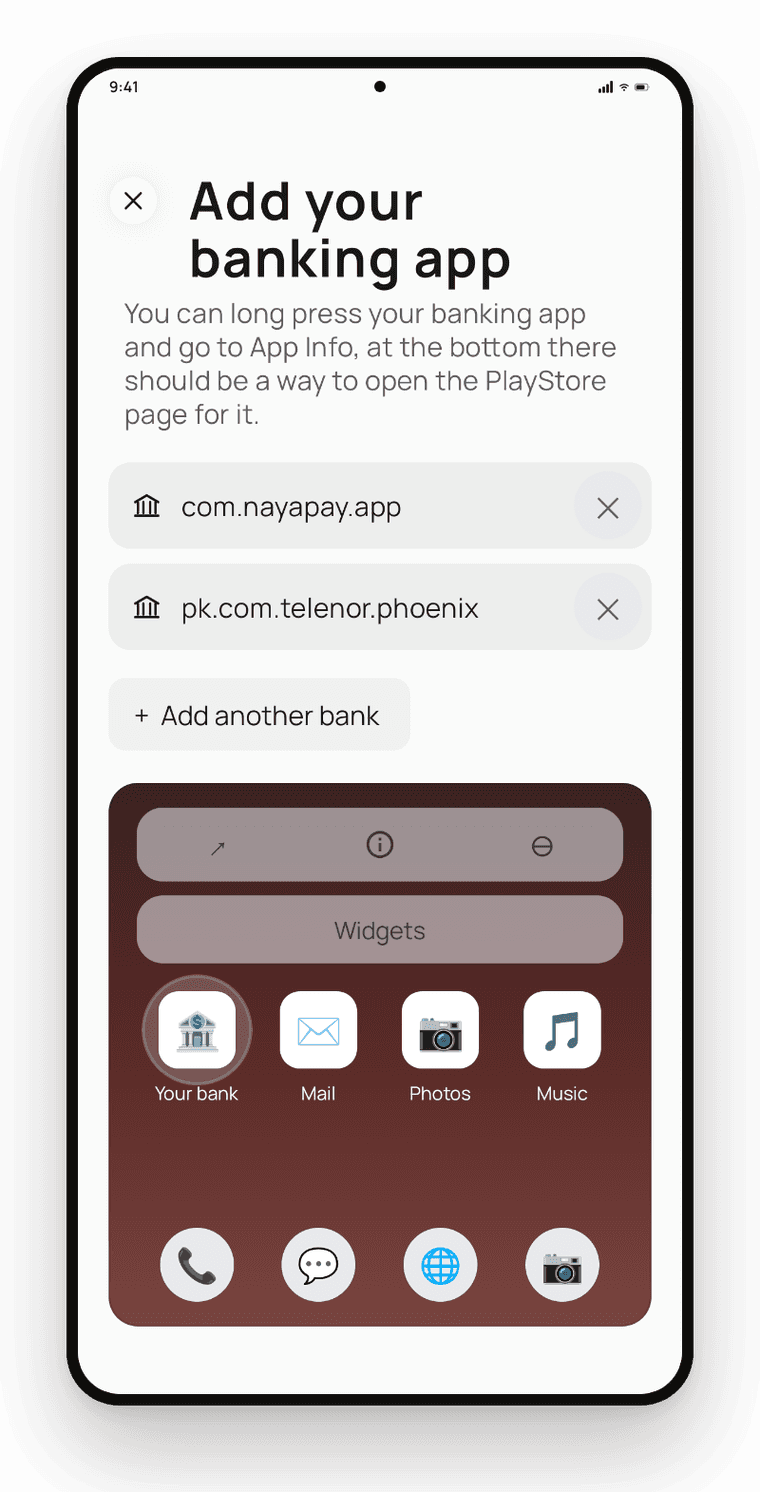
- Bank automation — payment alerts from apps you choose become transactions
- Uncertain results are held for review, never guessed
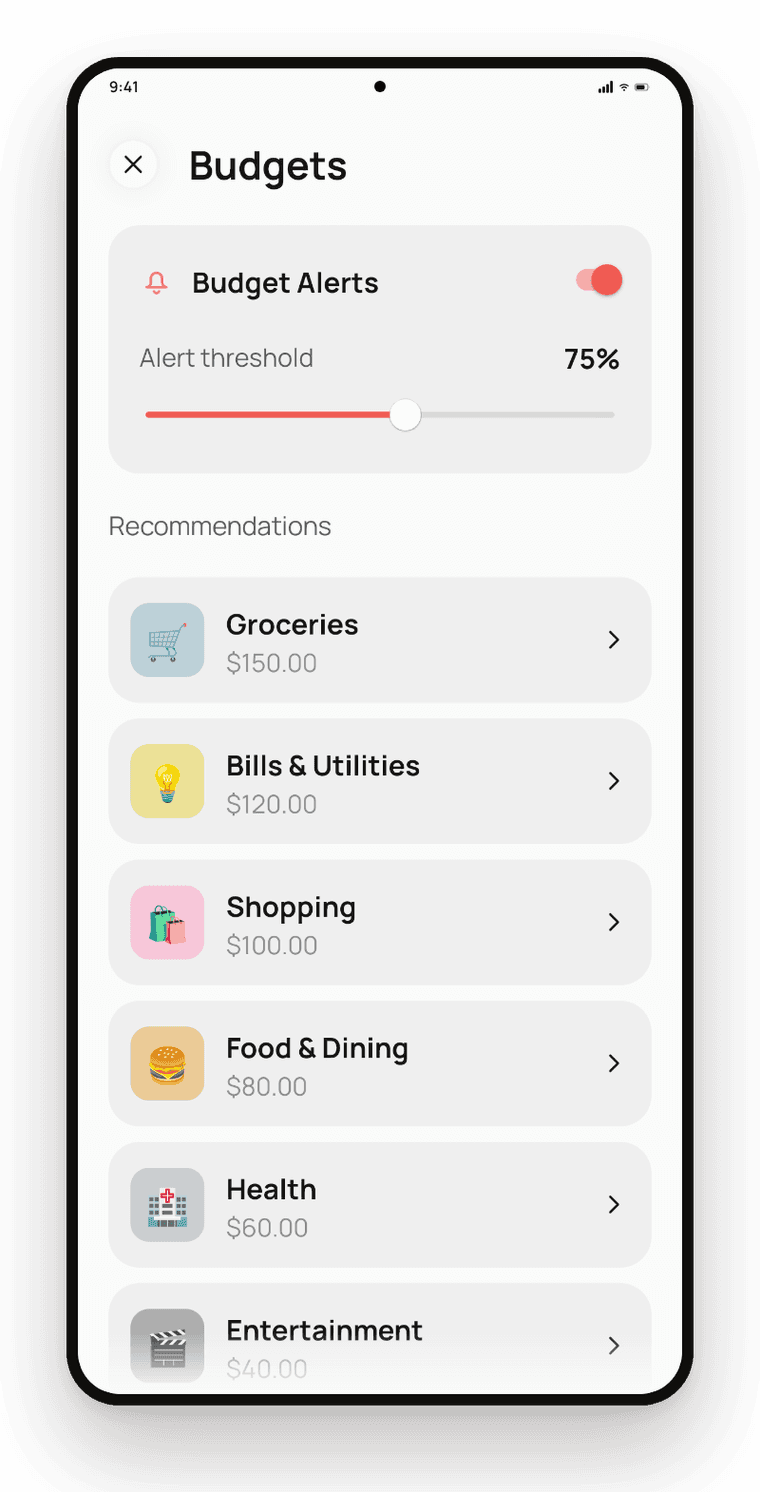
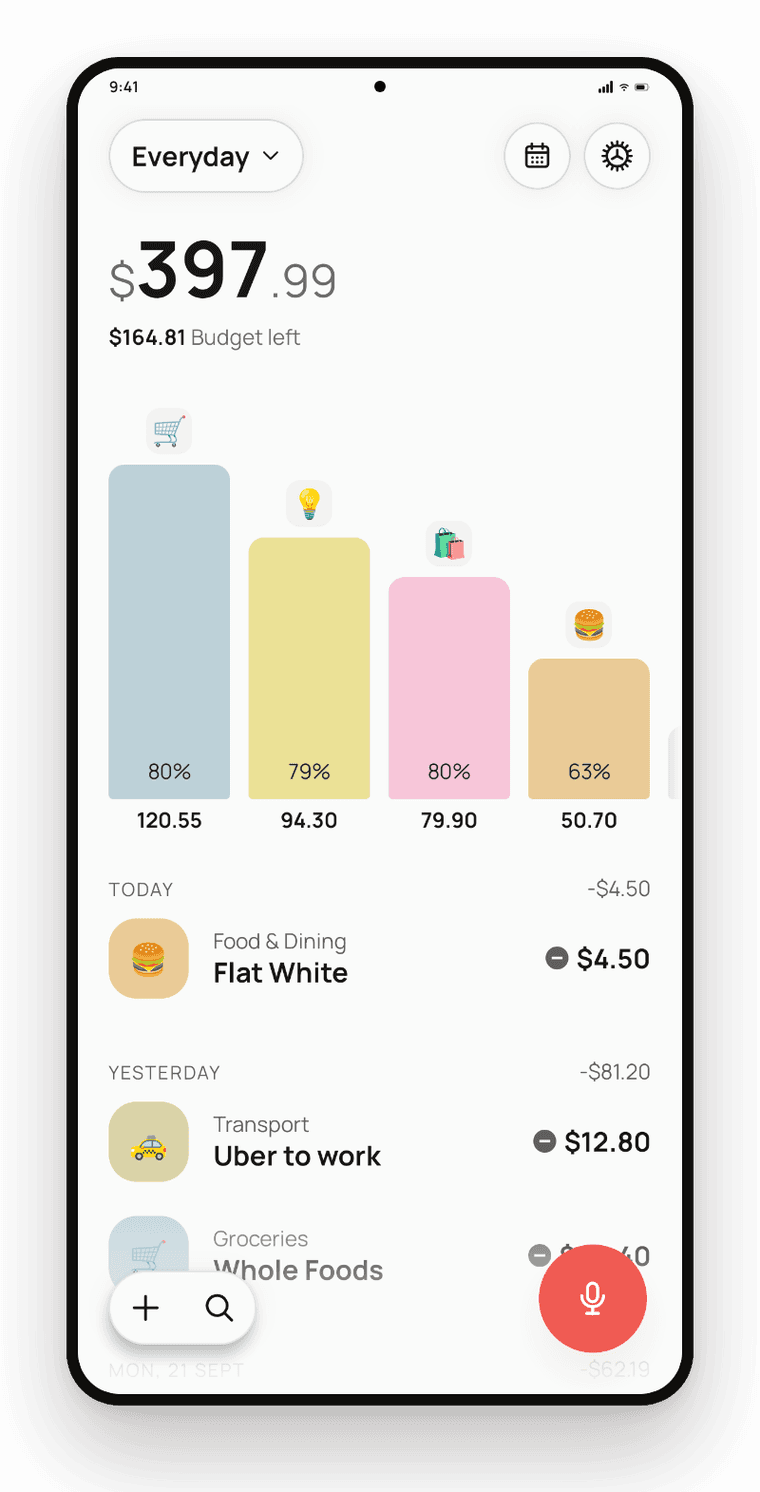
- Category budgets with mid-month alerts
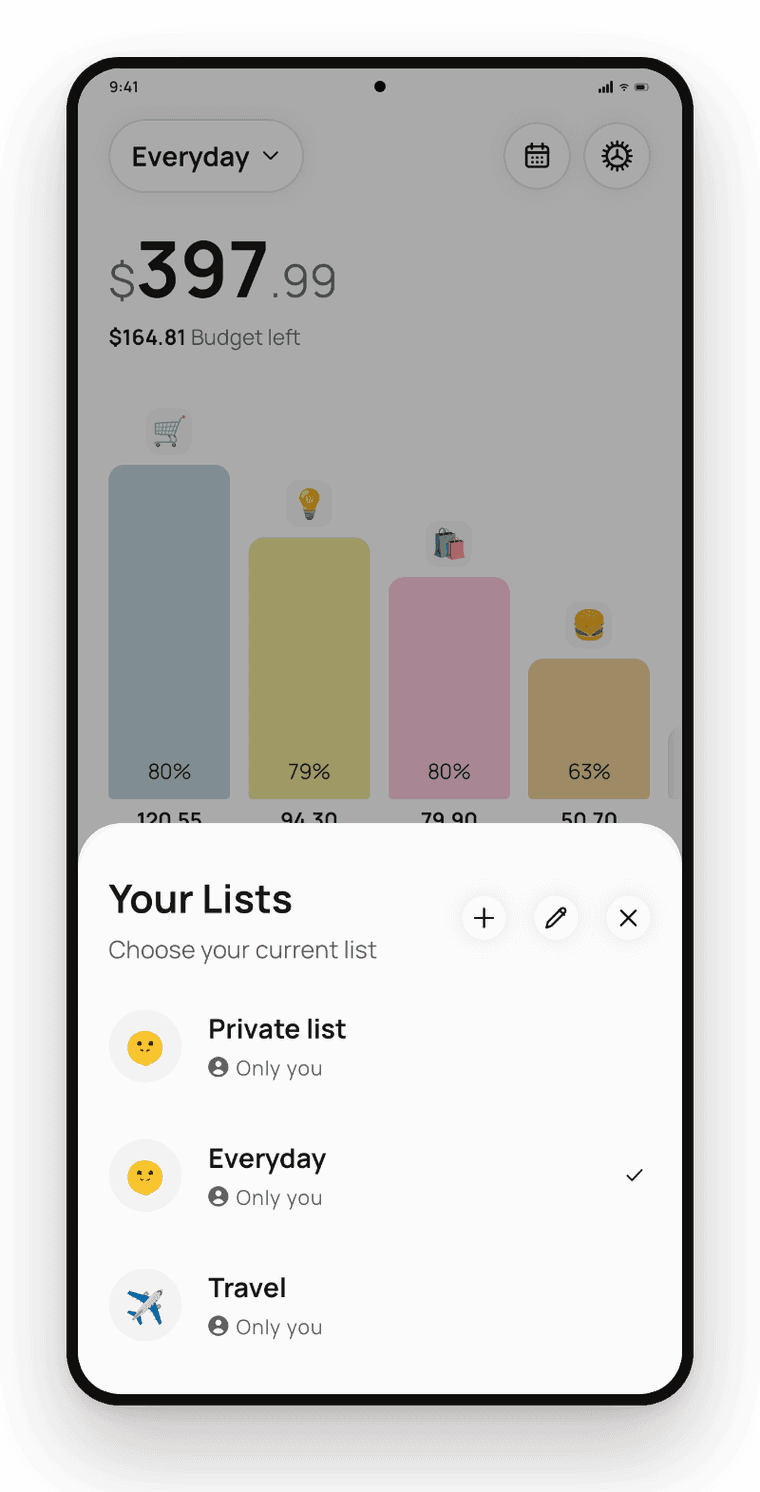
- Separate lists, each with its own currency
- Ledger encrypted on the device with a Keystore-held key
- CSV and PDF export, Google Drive backup and restore
Stack
- Kotlin
- Speech-to-text
- LLM parsing
- Notification listener
- ML Kit OCR
- Android Keystore
- Google Drive API
Details
- Platform
- Android
- Timeline
- 2026
- Status
- In development