- Role
- Sole developer: product, Android development, Play release and support.
- Platform
- Android
- Timeline
- 2026
- Status
- Live on Google Play
Overview
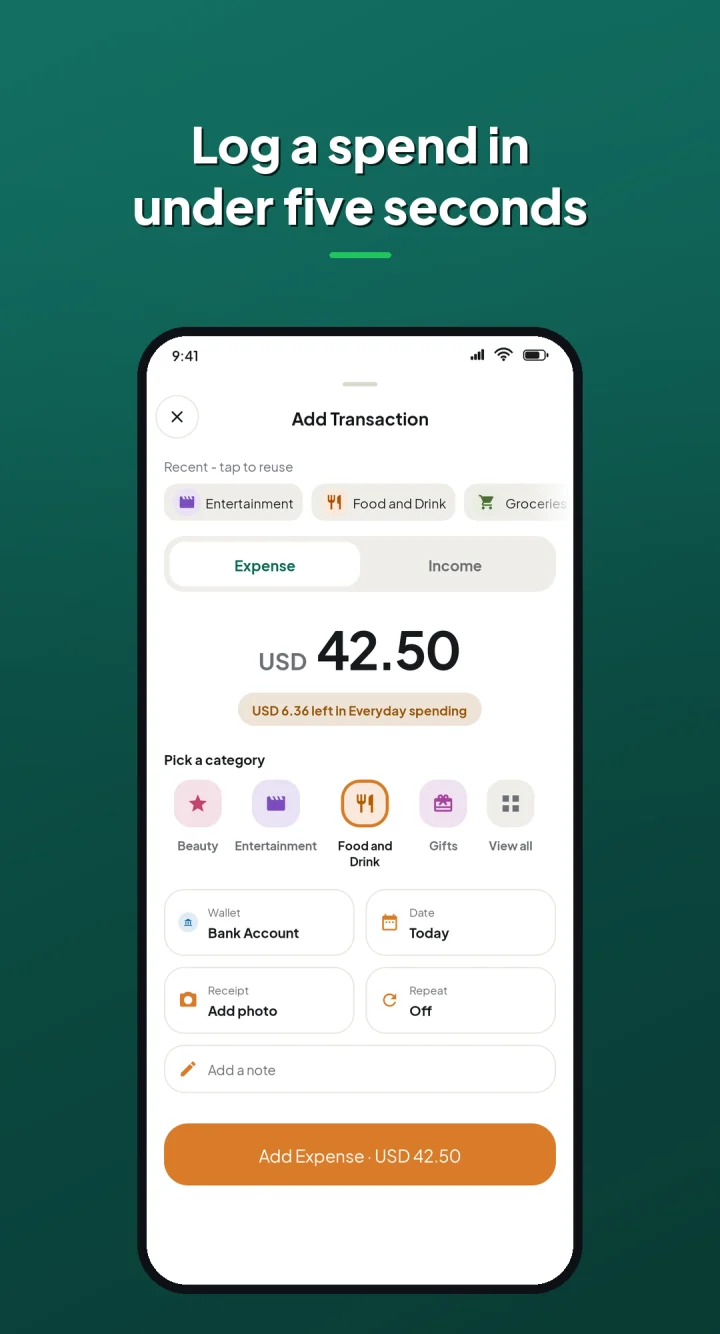
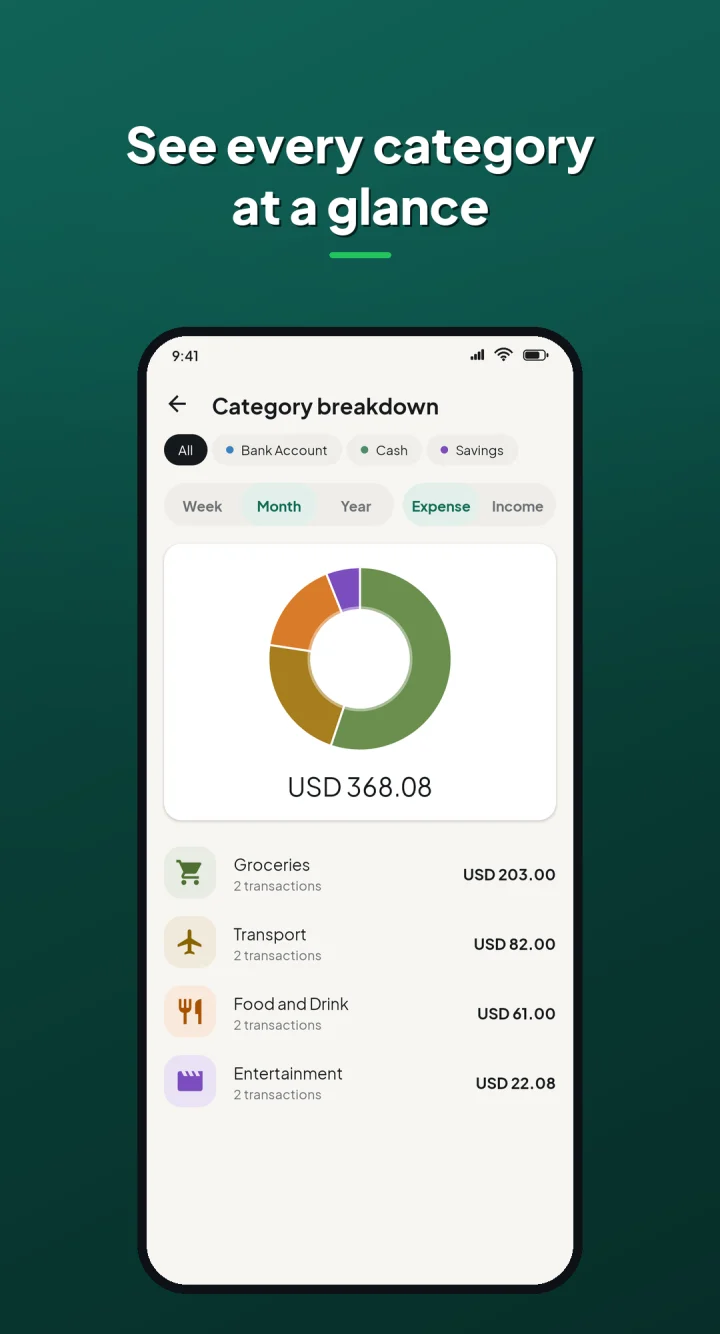
An income and expense tracker for Android with separate wallets, budgets and multiple currencies, built and published on Google Play as a solo developer.
Problem
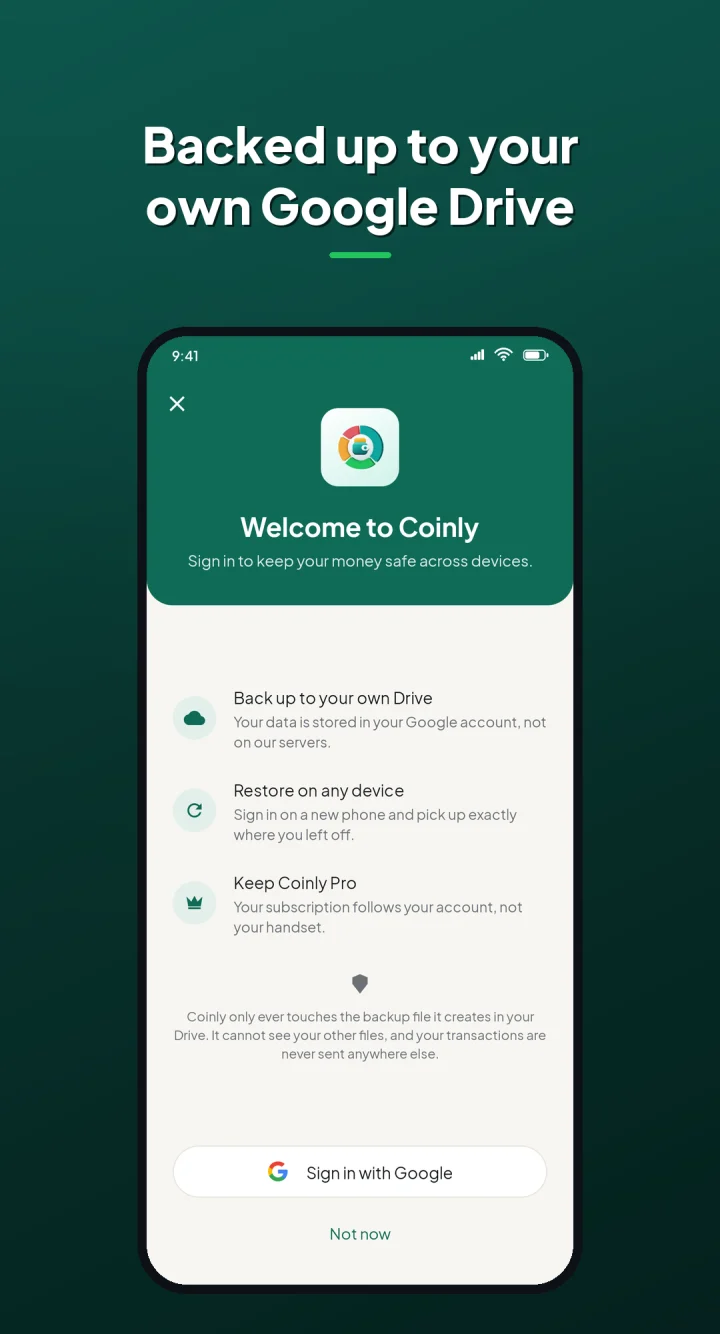
Tracking money only works if logging is quick and the numbers are easy to read. Coinly keeps entry fast, budgets visible, and data under the user's control with backup to their own Google Drive.
What I built
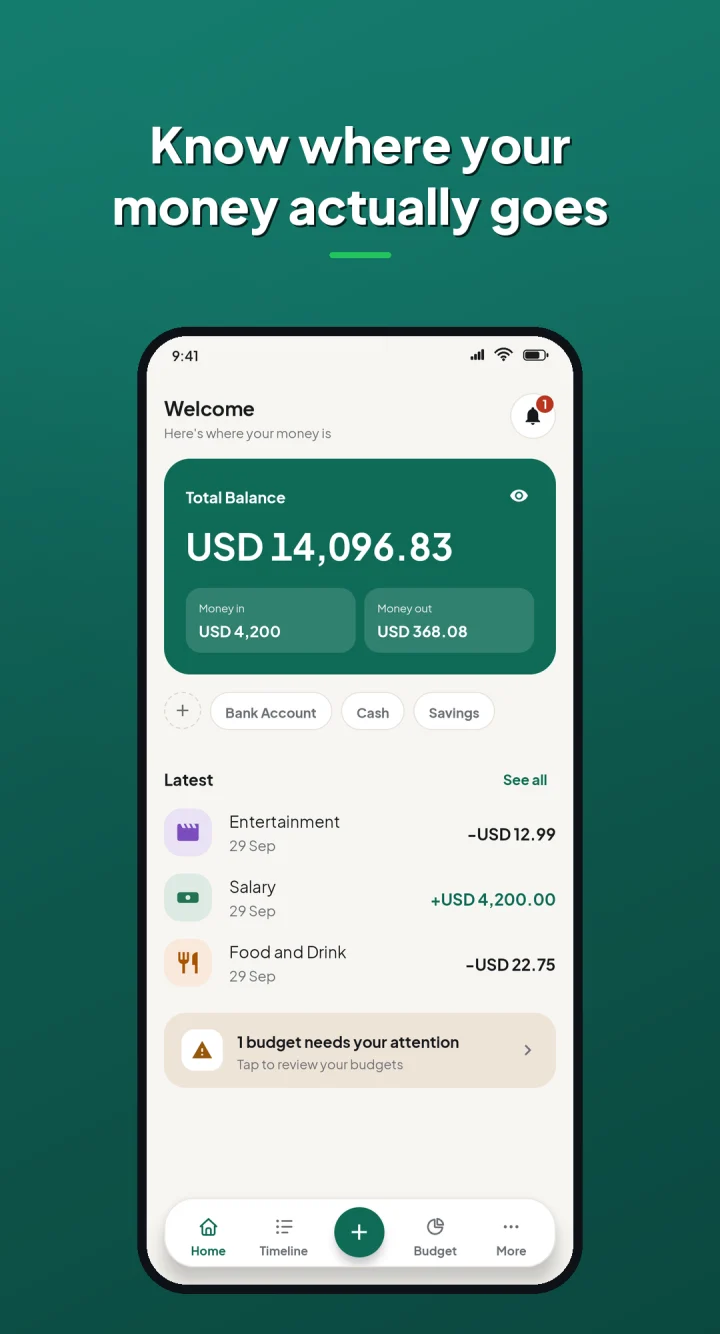
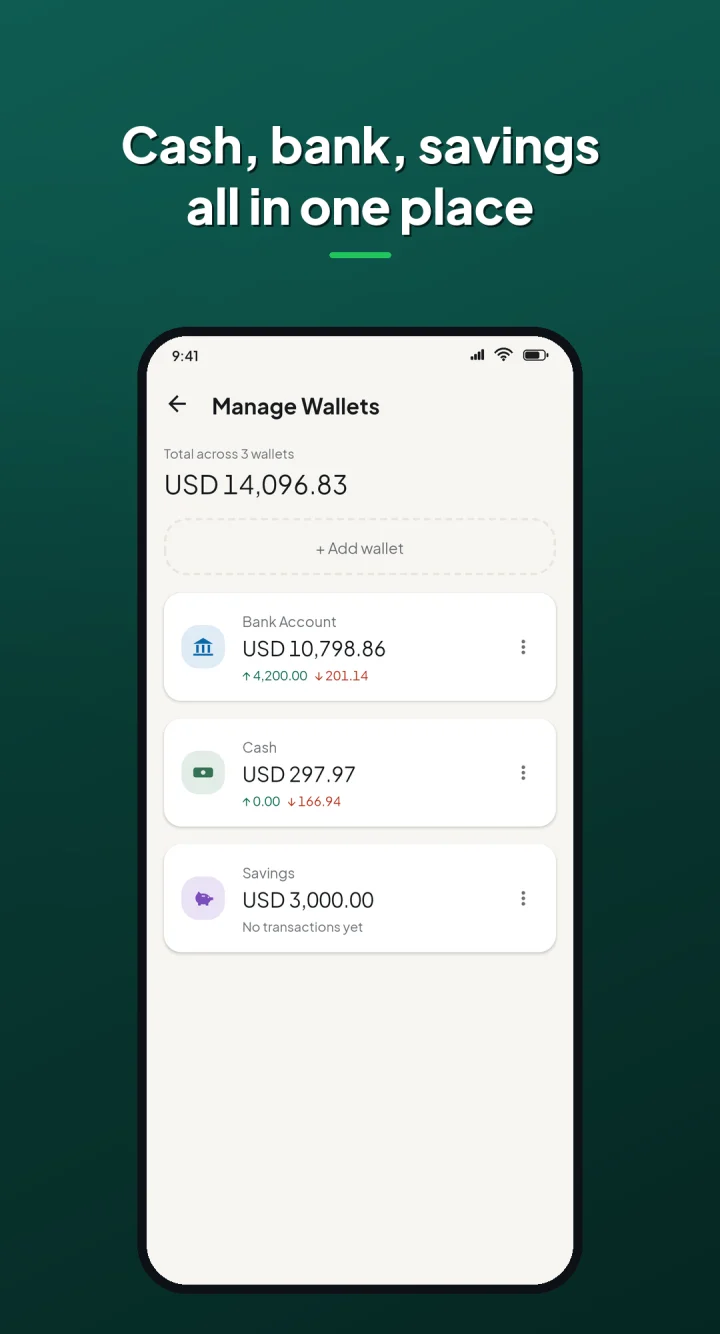
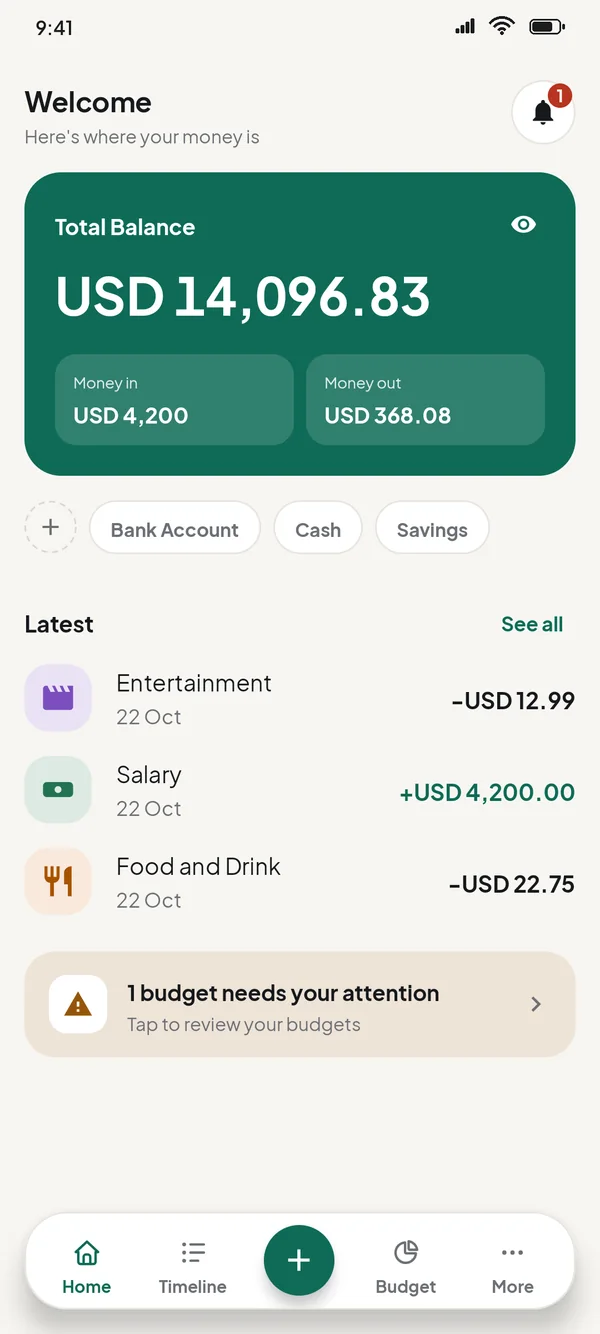
- Separate wallets for cash, bank and mobile money, with one total on Home
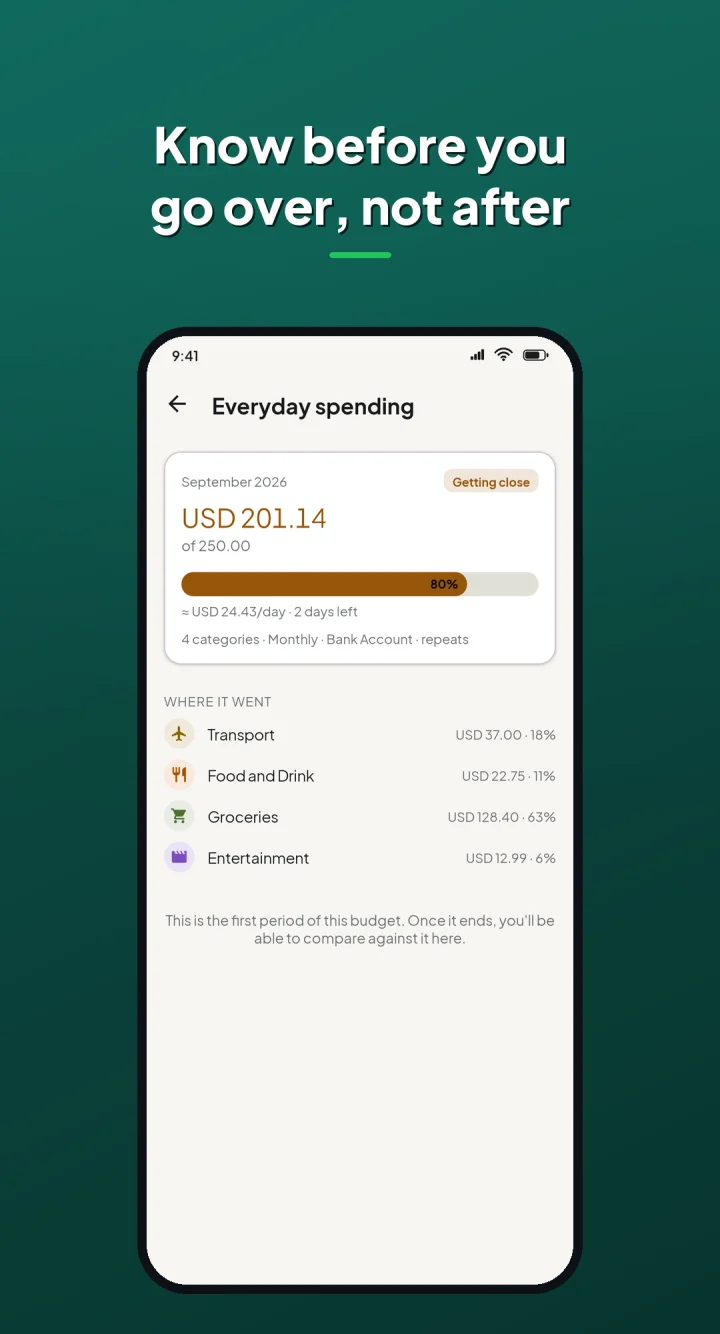
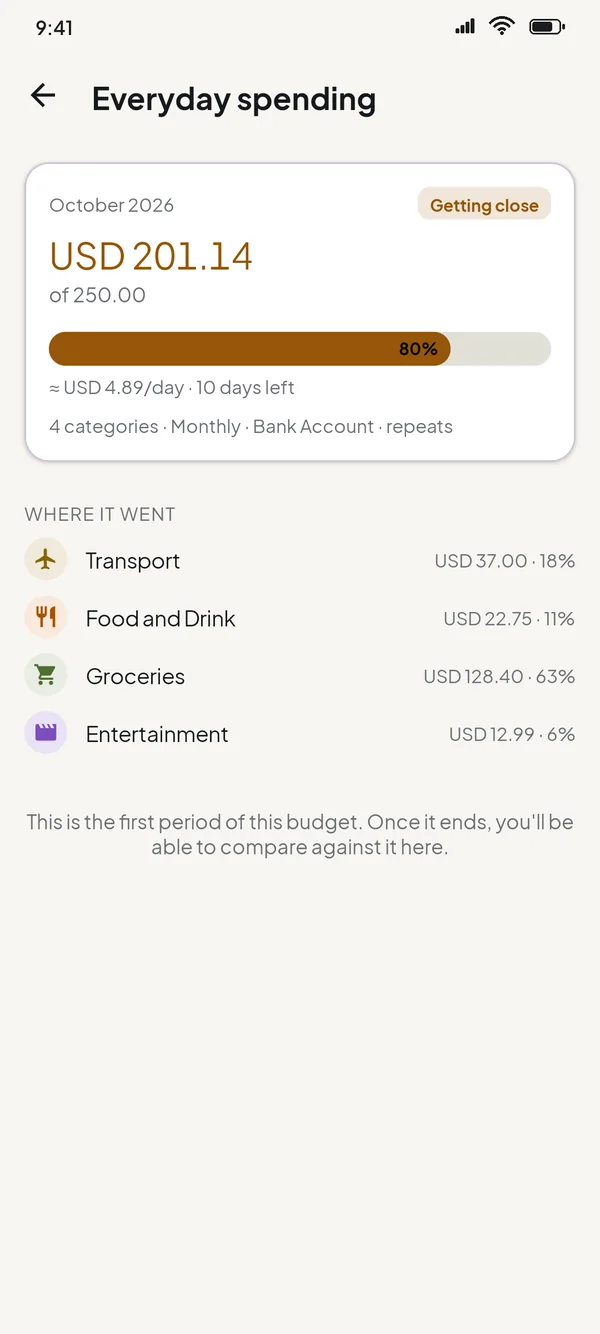
- Budgets over a group of categories, weekly, monthly or yearly, with a warning before you overspend
- Every budget period kept as its own record, so months can be compared
- Wallets in more than one currency, converted into one base currency with daily exchange rates (Pro)
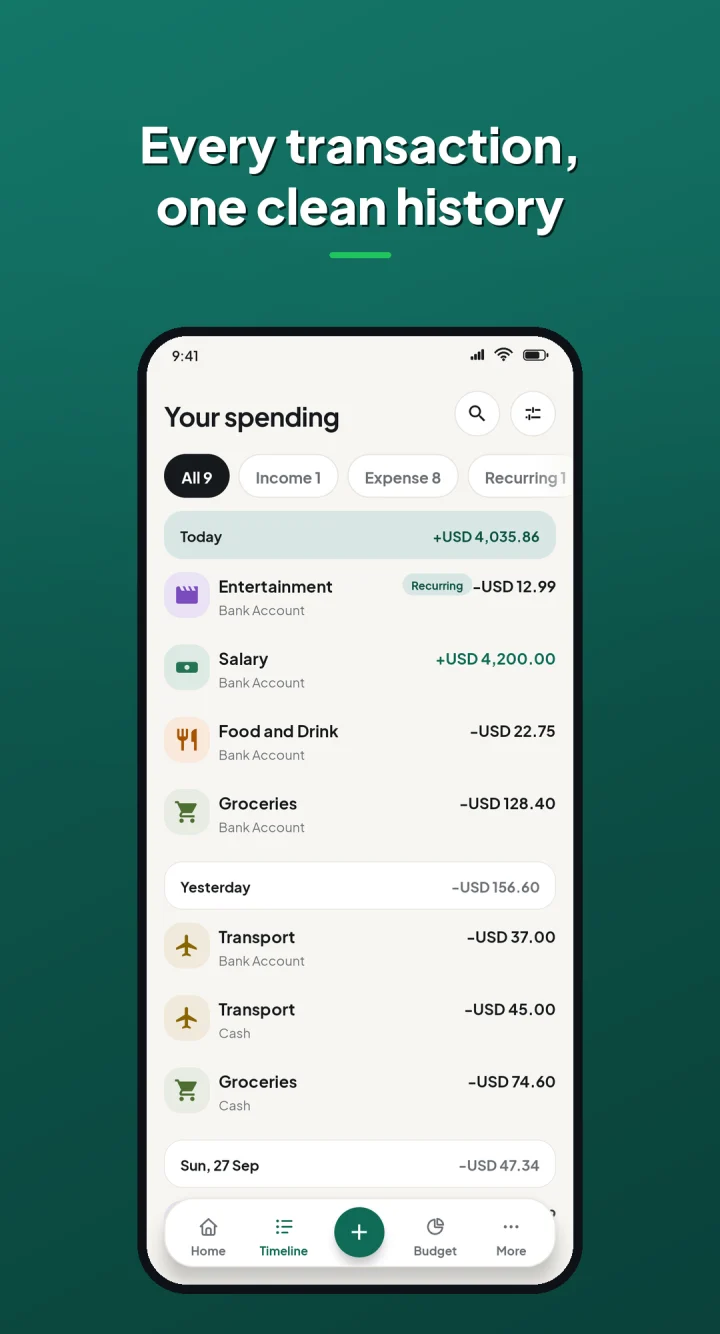
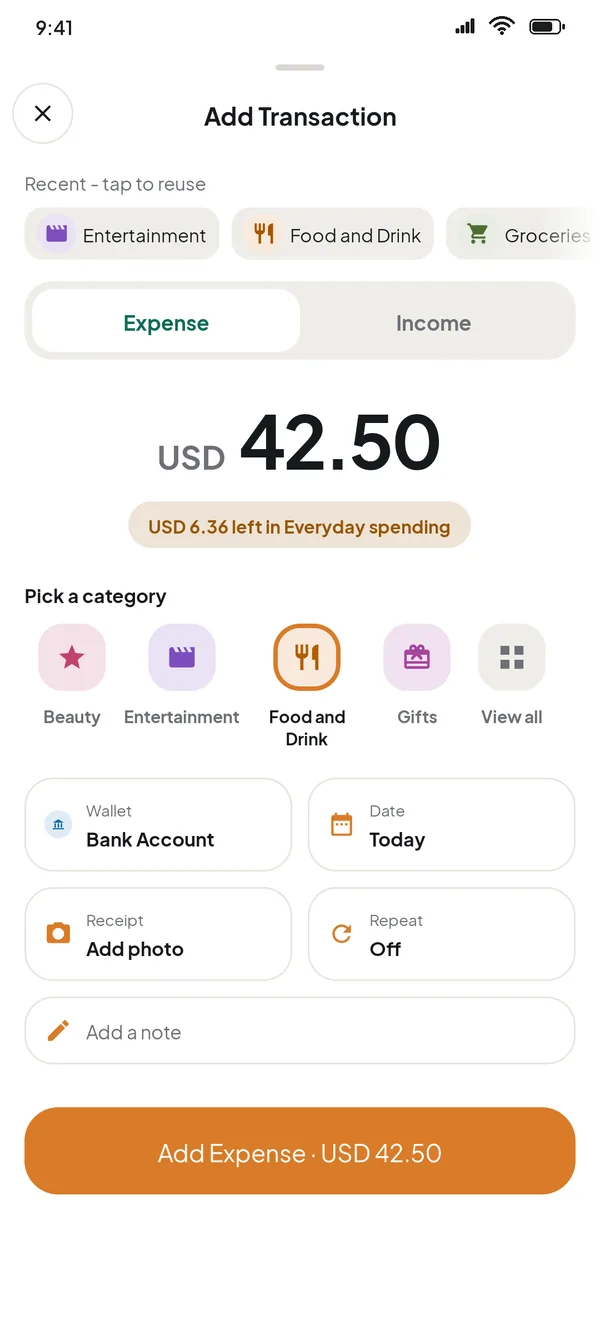
- Recurring transactions, including occurrences missed while the app was closed
- Receipt images attached to entries
- Backup and restore to the user's own Google Drive, with automatic daily backup in Pro
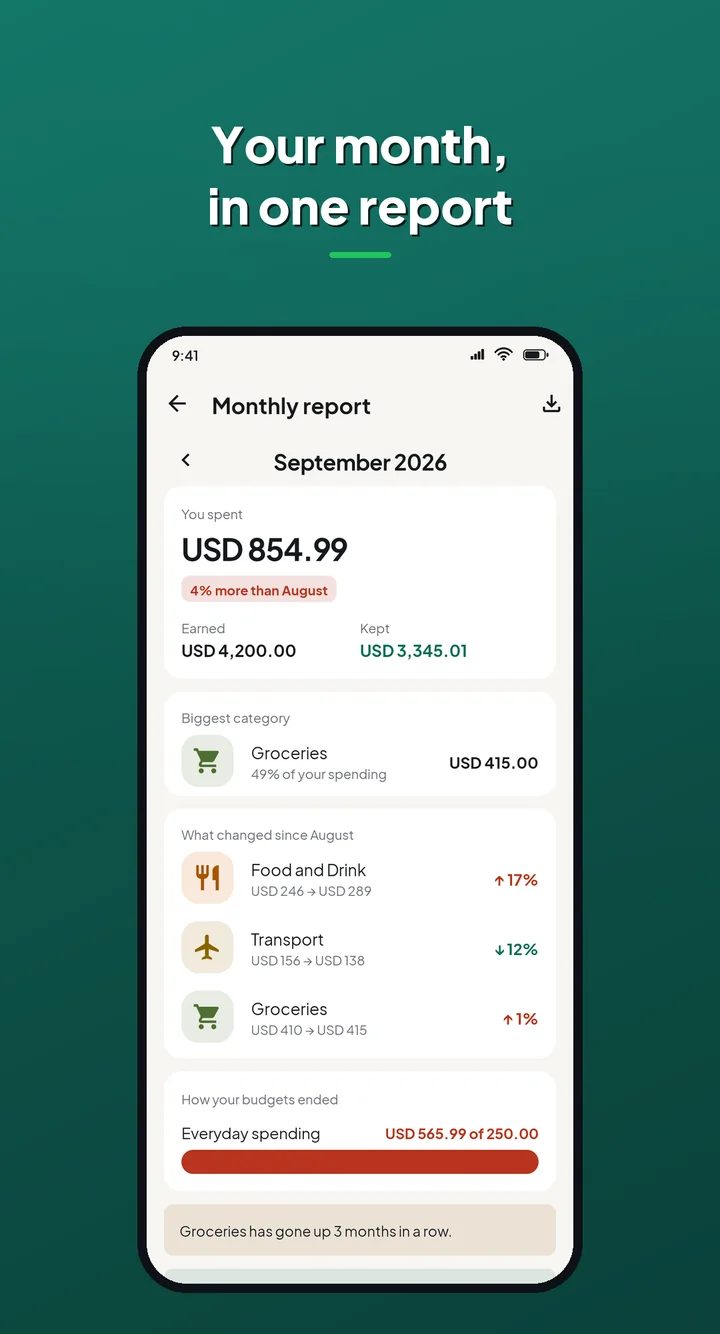
- A report for every finished month, and six-month trends in Pro
- Timeline filters for any dates, and export to CSV or PDF (Pro)
- Localised into Spanish, Portuguese (Brazil) and Indonesian
Engineering
01
No server for user data
Backup is one hidden file in the user's own Google Drive, through the restricted drive.appdata scope. Coinly cannot see anything else in the Drive.
02
Budgets that keep their history
Each period is sealed with the limit it had at the time, so raising a cap in August never rewrites July.
03
Release-only bugs
Gson fields renamed by R8, a StateFlow read before anything collected it, and a splash event lost while the app was in the background. All found and fixed after shipping.
Architecture & technology
- Kotlin
- MVVM
- Hilt
- Room
- Coroutines
- StateFlow
- WorkManager
- Navigation Component
- Material Design 3
- Google Drive API
- RevenueCat