
- Role
- Sole developer: product, Android development, design, website and Play release.
- Platform
- Android
- Timeline
- 2026
- Status
- Release candidate
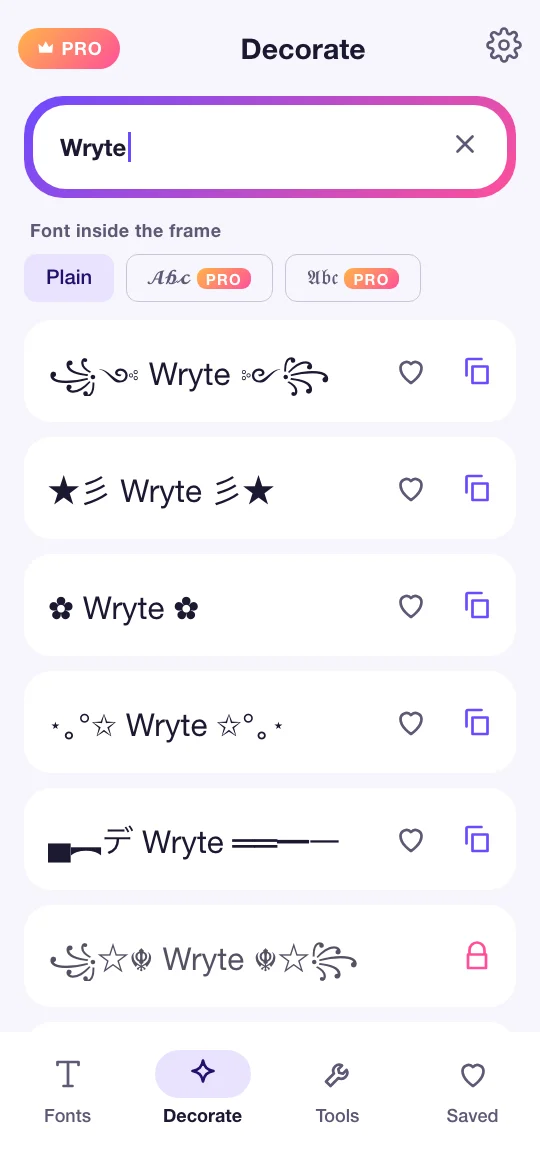
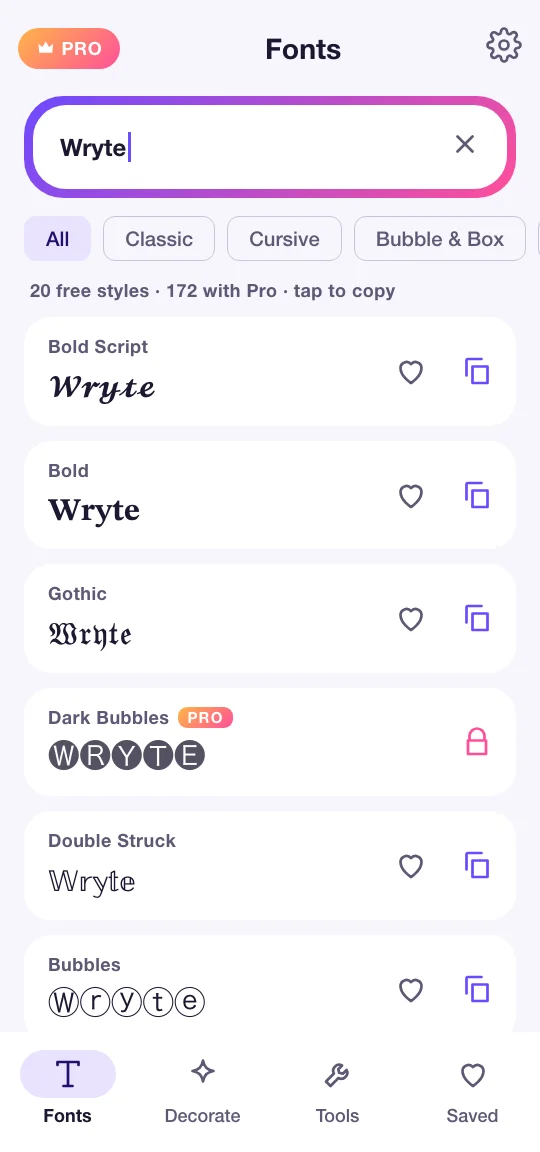
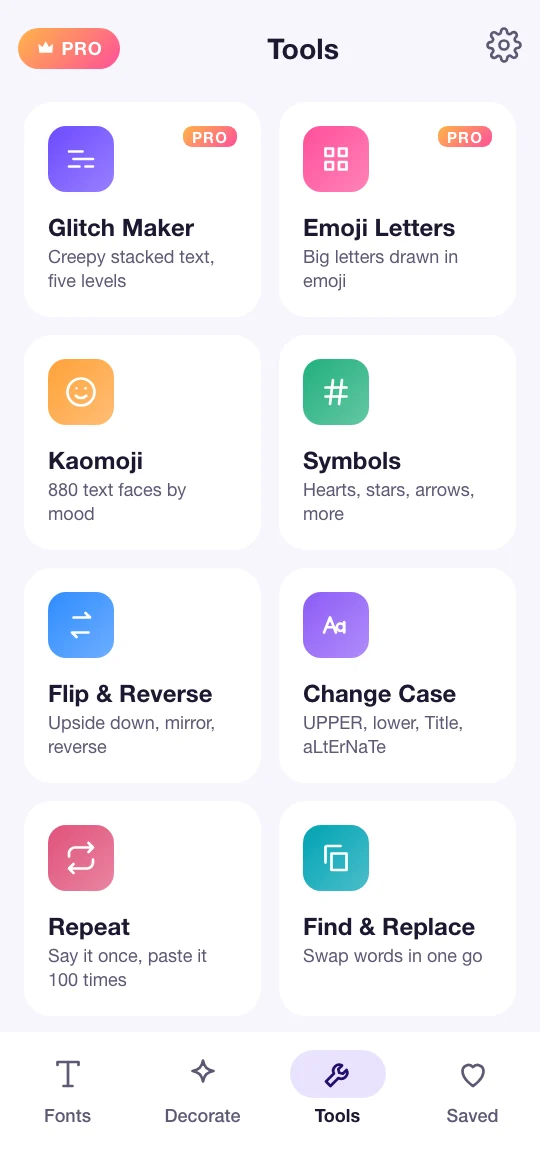
Google Play screenshots are added when the listing goes live.
Overview
An Android app that turns plain text into fancy fonts, frames and symbols for names, bios, gamer tags and messages, with a toolbox of text utilities, and styles text in place from any app's selected-text menu.
Problem
Fancy text apps make people type in one app and paste into another, and many fill the screen with ads. Wryte styles text where it is written, through Android's selected-text menu, keeps everything on the phone, and sells a low-priced Pro instead of showing ads.
What I built
- 172 font styles in seven groups: Unicode math alphabets, look-alike scripts, combining lines and decorations
- 52 frames for names and bios, with any font inside the frame
- Styling inside any app: select text, choose Wryte from the menu, and the text is replaced in place
- Glitch text in five levels and big emoji letters that stay aligned in any chat
- 880 kaomoji and a symbol picker, plus flip, case, repeat, find and replace and a counter
- Favourites and recent copies, kept on the phone
- No account, no ads, no analytics; works offline
- Free tier with 20 styles and 10 frames; Wryte Pro monthly, yearly or once for lifetime, through RevenueCat
Engineering
01
Alphabets that line up by code point
Many styles live outside the Basic Multilingual Plane, so every table is mapped by code point rather than by char, and a table whose length does not match the alphabet is dropped instead of shifting every letter after it. JVM unit tests cover the catalogue.
02
Styling text where it is typed
An ACTION_PROCESS_TEXT activity shows the styles in a bottom sheet over any app and returns the styled text in place of the selection, or copies it when the field is read-only.
03
Pro that never charges twice
A purchase counts only once the entitlement is active; if Play has charged but RevenueCat has not caught up, the app syncs and re-reads before saying anything, and Restore covers the rest.
Architecture & technology
- Kotlin
- Jetpack Compose
- Material Design 3
- Coroutines
- StateFlow
- PROCESS_TEXT
- Unicode
- RevenueCat
- Play In-App Review